We use essential cookies to keep you signed in and protect forms. We also use analytics to count visits and see how pages are used. Ads on our free tools may set cookies to show and measure ads. Cookie notice
Ads & Revenue Tracking
Find out which ₹500 a day is paying for itself.
Follow a rupee from the ad click to the lead, the sale and the renewal, per contact.
Instead of: Screenshots of Ads Manager, a monthly Excel.
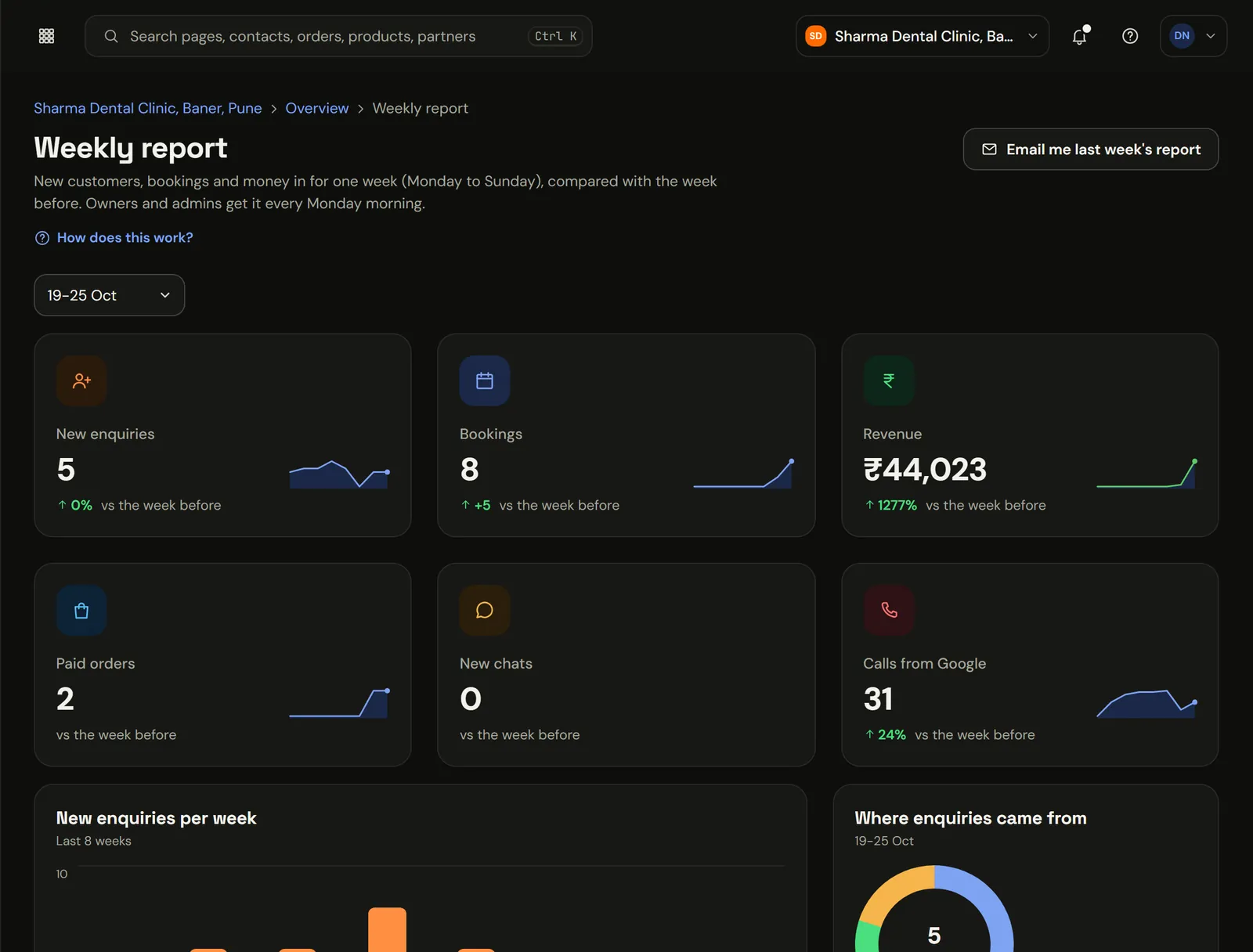
app.marketiism.com/sharma-dental/reports/weekly
The real app, in a sample clinic workspace. Patient names and numbers are sample data.
Which ad actually brought the money.
Meta says your campaign got 212 leads. That's nice, but how many paid? Here every payment is traced back to the ad and campaign it came from. You can switch off the one that only brings enquiries.
What does Ads & Revenue Tracking cost?
Ads & Revenue Tracking comes with Marketiism plans from ₹999 a month, before 18% GST. Every plan starts with 14 days free and no card. Limits differ by plan.
Starter₹999 a monthOne business, one or two people answering customers.
Growth₹2,999 a monthA small team that sells every day.
Agency₹9,999 a monthAgencies running many clients.
What it does
From click to payment
Ad, source and campaign are stored on the contact, so revenue reports use real payments, not form fills.
Purchases sent back to Meta
Paid orders go to Meta's Conversions API from our server, so it learns from real buyers even when browsers block the pixel. For Google Ads you download a conversion file and upload it.
Reports that answer one question each
Revenue by product, by source and by month. No pivot tables.
Leads tell one story. Payments tell another.
September for a Pune clinic, sample numbers. Meta's report would rank the generic campaign first.
Leads tell one story. Payments tell another.
Feature
Leads
Paid
Revenue
Diwali cleaning, Kothrud
212
58
₹1,12,400
Aligners, Instagram reels
64
9
₹98,000
Generic, Pune city
301
6
₹7,200
Google Maps, organic
88
24
₹24,200
From the click to the invoice
The visit
What comes in
Someone clicks your ad
What runs on its own
Source, campaign and ad saved
What you get
Stored on the contact, not a cookie
The enquiry
What comes in
Form fill or WhatsApp chat
What runs on its own
Linked to that first visit
What you get
You know where the lead came from
The payment
What comes in
UPI payment days later
What runs on its own
Revenue credited to the original campaign
What you get
Purchase sent to Meta; Google by upload file
Each report answers one question
Revenue by source
Which channel pays.
Revenue by campaign
Which ad to switch off.
Revenue by product
What sells after the click.
Revenue by month
How this month compares.
Why sending purchases from the server mattersBrowsers and ad blockers often stop the pixel. Sending the purchase from our server means Meta still learns who bought. For Google Ads you upload a file of paid orders, which does the same job.
Twenty minutes, once
01
Add your Meta Pixel ID
And the access token for the Conversions API, in settings.
02
Download the Google Ads file
Upload paid orders to Google Ads as offline conversions.
03
Use UTM links
Our free UTM builder makes them. Every ad gets its own.
Checkout on Razorpay, Cashfree or Stripe with UPI first, UPI AutoPay for monthly fees, coupons, order bumps and GST invoices on every order.
UPI at the top of the page
Small add-ons that add up
Invoices your CA will accept
Explore Checkout & Billing
Questions people ask
What is Revenue Analytics?
It shows which ad, campaign or source brought customers who actually paid, not just people who filled a form. The source is saved on each contact when they arrive and joined to real payments later. Purchases are also sent to Meta and Google from our server, so your ads learn from buyers.
Per contactSource and campaign saved.From the first visit.
PaymentsNot form fills.Revenue uses money received.
Server-sideConversions to Meta and Google.Works when pixels are blocked.
₹ ROASReturn on ad spend.By campaign, by month.
What is revenue attribution?
Revenue attribution means crediting each sale to the ad, campaign or channel that brought the customer. Marketiism saves the source on the contact when they first arrive and links it to their payments later, so you can compare campaigns by money received rather than by clicks or form fills.
How is this different from Meta Ads Manager?
Ads Manager reports what Meta can see, mostly clicks, leads and pixel events. Revenue Analytics uses your own payments and invoices, including sales that happened days later on WhatsApp or at the counter. It also covers Google, organic search and referrals on the same screen.
What are server-side conversions?
Server-side conversions are purchase events sent from our server to Meta's Conversions API instead of only from the visitor's browser. They still arrive when a browser blocks tracking scripts, so Meta learns from real buyers. For Google Ads, Marketiism gives you a file of paid orders to upload as offline conversions.
Do I need a developer to set it up?
No. You paste your Meta Pixel ID and a Conversions API access token into settings once, and paid orders go to Meta automatically. For Google Ads you download the conversion file and upload it. UTM-tagged links on your ads make the source data cleaner, and our free builder creates them.
Does it track WhatsApp sales?
Yes, when the sale is paid through Marketiism. A lead who clicked an ad, chatted on WhatsApp and paid a UPI link three days later is credited to the original campaign, because the source is stored on the contact rather than in a browser cookie that might expire.
What is ROAS?
ROAS, or return on ad spend, is revenue divided by what you spent on ads. If a campaign cost ₹20,000 and brought ₹80,000 in paid orders, its ROAS is 4. Revenue Analytics works it out from real payments, so a campaign with cheap leads but few buyers shows up clearly.
Which plan includes Revenue Analytics?
Source tracking and revenue reports are available on every plan, because they come from the contacts and payments you already have. Server-side conversions to Meta and Google need your own ad accounts connected in settings. All plans start with a 14-day free trial. You can check your sources before you pay.
Does it respect cookie consent?
Yes. Server-side conversions follow a consent rule, so purchases are only sent to ad platforms where the visitor's consent allows it. The site's cookie notice explains what is collected, and essential cookies are kept separate from analytics and advertising ones. Inside the Marketiism app, where your customer data lives, no advertising cookies are set.
Can I see revenue by product and month?
Yes. Revenue reports group real payments by product, by lead source and by month. You can see what sells after the click and whether this month is ahead of the last one. They use money actually received, not form fills, which keeps campaigns that only bring enquiries from looking better than they are.
What counts as revenue?
Payments received through checkout, payment links, subscriptions and invoices recorded in Marketiism, minus refunds and credit notes. Form fills and abandoned carts are counted as leads and drop-offs, never as revenue, so the numbers match what reached your bank. Payments made outside the system, such as cash at the counter, can be recorded as invoices too.
Can I track organic search and Google Maps?
Yes. Visits from Google search, Google Maps, Instagram profiles and referrals are recorded as sources too, alongside paid ads. Many local businesses find Google Maps brings fewer leads than ads but a much higher share of people who actually pay. That usually means your Google profile deserves more attention.
How long does it take to see useful numbers?
Usually two to four weeks, depending on how fast you sell. You need enough leads to turn into payments before comparing campaigns. Businesses with long decisions, such as real estate or admissions, should judge campaigns over a full quarter rather than a week. Early numbers still show obvious losers.
Does it work for agencies with many clients?
Yes. On the Agency plan each client has its own workspace with its own contacts, payments and revenue reports. You can review every client's campaigns in their own numbers. A monthly client update no longer means stitching together screenshots from three ad accounts. Each client sees only their own data.
Why do my numbers differ from Meta's?
Meta counts conversions it can see in its own attribution window, often including views. Revenue Analytics counts payments you actually received and credits them to the source saved on the contact. The two will rarely match exactly, and yours is the one that matches your bank.
Is there a free way to start?
Yes. Use the free UTM link builder to tag your ad links today, so sources are clean from the start. When you start the 14-day trial, contacts arriving through those links carry their campaign details into the CRM and into the revenue reports. Tagging links costs nothing and pays off later.
Try Ads & Revenue Tracking on your own business.
14 days free, no card. If you get stuck setting up WhatsApp, we'll get on a call and do it with you.